 Metadata
There’s a story
behind that filename.
Identify movies and TV episodes in IINA. Review the match, then save metadata and artwork with your video.
Your file
Spring.2019.1080p.mkvFor IINA 1.5 on macOS. Movies need a free TMDB token.

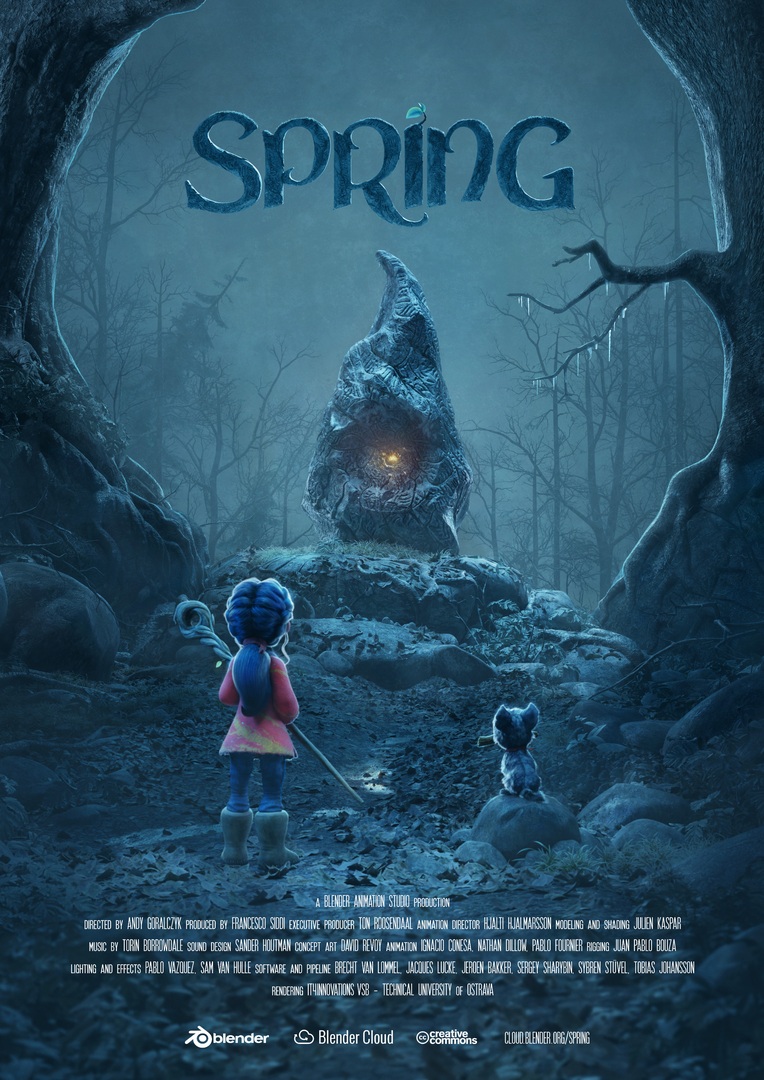 Spring
0:008:00

Add the plugin
In IINA, go to Settings → Plugins → Install from GitHub and enter:
thepushkarp/iina-metadataConnect TMDB
Open Plugin → Metadata → Show Metadata and add your TMDB API Read Access Token. TV episodes can use TVmaze without a token.
Review and save
Check the match and the “Will write” list, then choose Save to file. Nothing changes until you save.